Reselling Guides
How to List Items on eBay Faster: A Batch Workflow for 20 Items a Weekend
How to list items on eBay faster by batching the work. Sort, shoot, measure, clone, and bulk edit so a bag of thrift finds goes live in one weekend.
There is a bag in the corner. There has been a bag in the corner for three weeks. The items in it are fine, the comps were there when you bought them, and none of that matters because every one of them is still sitting in a bag.
The reason is almost never laziness. It is that listing one item from start to finish means doing the whole setup again, and most people do not have twenty separate free hours in a week.
The setup is what costs you, not the typing
Walk through listing a single polo. You find a hanger, clear a wall, get the light right, shoot it, put the camera down. You dig out the tape measure, measure it, dig out the scale, weigh it. You open eBay, pick a category, fill the specifics, write the title, set the shipping, publish. Then you put all of it away.
Now do that nineteen more times. The typing is a few minutes. Everything around the typing is the rest of the hour, and you pay it again on every item.
Batching flips that. You set up once per stage and run the whole pile through it before you move on. Five setups instead of twenty.
Sort the pile before you touch a camera
Dump the bag out and make groups by item type, not by brand. Polos in one stack, zip jackets in another, jeans in another, hats in another.
Group members share almost everything a listing needs. Same eBay category, nearly the same item specifics, the same packaging, and a shipping weight within a few ounces of each other. That shared part is what you are about to stop retyping.
Four or five groups out of a twenty-item pile is normal. If a group has one item in it, that item is a one-off and it goes last.
Shoot the whole pile in one sitting
Pick your spot, hang your backdrop or clear your floor, and leave it set up until every item has been through it.
Shoot every item in the same order, every time. Full front, full back, brand tag, size tag, then any flaw up close. Same five shots, same sequence, no thinking. Your camera roll comes out already grouped by item, which is what makes the listing stage fast later.
eBay gives you 24 photo slots per listing at no charge, and the first photo is the thumbnail buyers see in search results. Make that first one the clean full-item shot every time and let the detail shots fill the rest.
Measure and weigh in a second pass
Same pile, one more lap, tape measure and scale out the whole time.
For apparel that is pit to pit, length, and sleeve. For anything you will ship, it is the weight in the mailer you actually plan to use, not the bare item. Write it all down in one note as you go.
Give each item its SKU on this pass too. Put it on a tag or write it on the poly bag, and point it at a real labeled bin. When one sells in six weeks you will find it in seconds instead of searching your spare room. There is more on that in our guide to organizing reselling inventory.
Build one real listing per group, then clone it
This is where the groups pay off.
Take the first polo and build it properly. Most specific category you can find, the full 80 characters of title, every item specific filled in, your business policies attached. Spend real time on this one.
Then use Sell Similar on your own listing for the next polo. eBay carries over the category, the specifics, the shipping, and the return policy. You swap the photos, change the keywords in the title, update the measurements, and set the price. The slow part was already done once.
Save them as drafts as you go rather than publishing each one the moment it is finished. Drafts let you keep your hands in the same task instead of bouncing to a publish confirmation twenty times.
Finish with bulk edits
With the batch drafted, Seller Hub's bulk tools let you set price, shipping, or Promoted Listings across the whole group at once instead of opening twenty listings one at a time. Do the shared decisions last, in one place, and publish the batch.
Here is the whole thing in order.
| Stage | Done once for the whole pile | What it replaces |
|---|---|---|
| Sort | Four or five groups by item type | Deciding the category twenty separate times |
| Shoot | One photo setup, same five shots per item | Setting up and tearing down on every item |
| Measure | One lap with the tape and the scale out | Hunting for the tape measure twenty times |
| List | One real listing per group, Sell Similar for the rest | Filling item specifics from scratch on every item |
| Publish | Bulk edit price and shipping, then publish | Twenty trips through the publish screen |
What batching does not fix
It does not fix a bad buy. Pricing is the one stage that stays per item, because every item has its own sold comps and its own band. Run those comps before the item ever goes in the bag, and if a group has no comps behind it, batching just gets you to twenty dead listings faster.
It also does not fix a sloppy template. The first listing in each group is the one every other listing inherits from. A missing item specific there becomes a missing item specific five times over.
The short version
Speed on eBay is not typing speed. It is how few times you set up. Sort the pile, shoot it in one sitting, measure it in one lap, clone the first good listing down the group, and make your shared decisions once at the end.
The bag in the corner is a weekend, not a month. It only looks like a month when you treat it as twenty separate jobs.
Inside The Income Lab we walk through the full listing flow step by step, including the item specifics that move an apparel listing and the bulk tools that handle a batch once you are past twenty items.
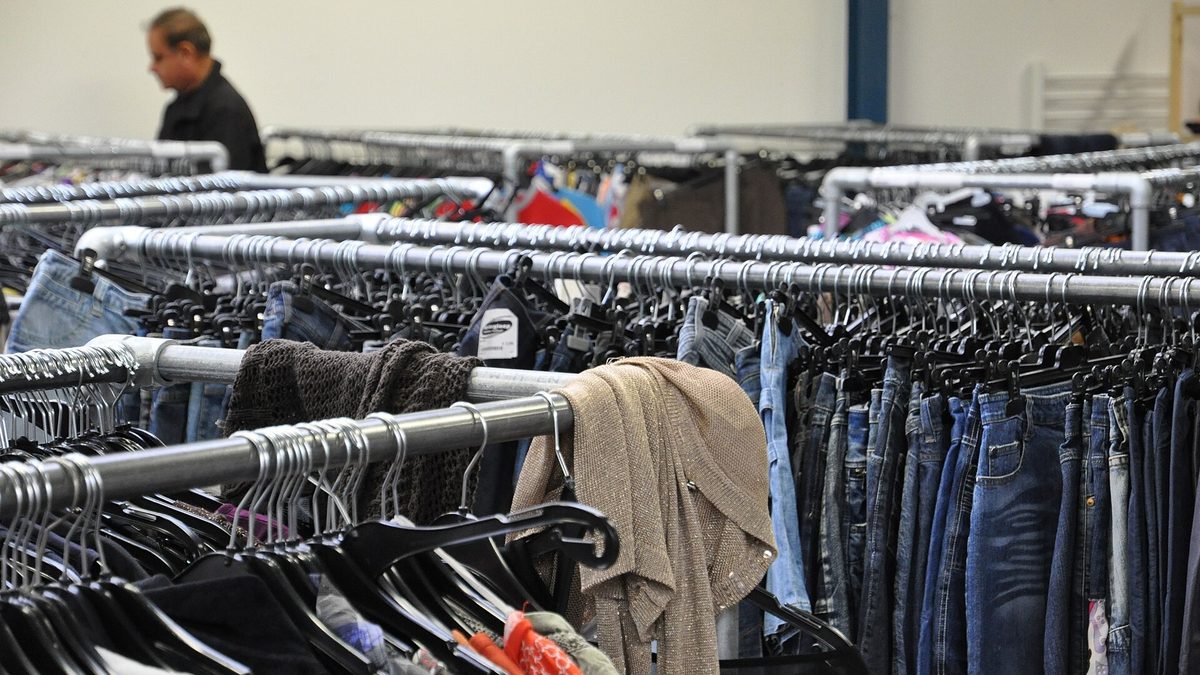
Hero photo by Onderwijsgek, CC BY-SA 3.0, via Wikimedia Commons.